
Welcome to Atlas
The shared record of how your team builds software with agents.
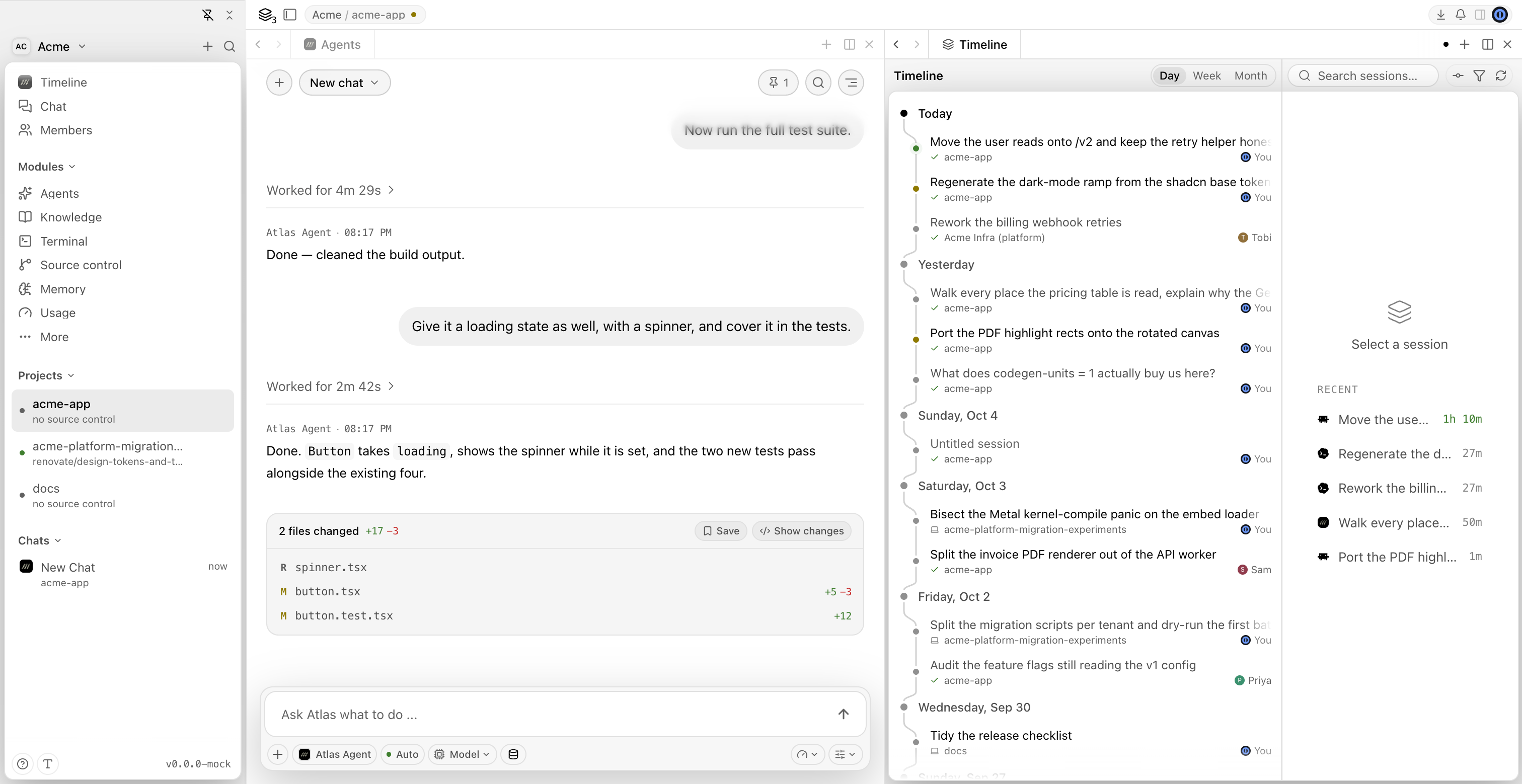
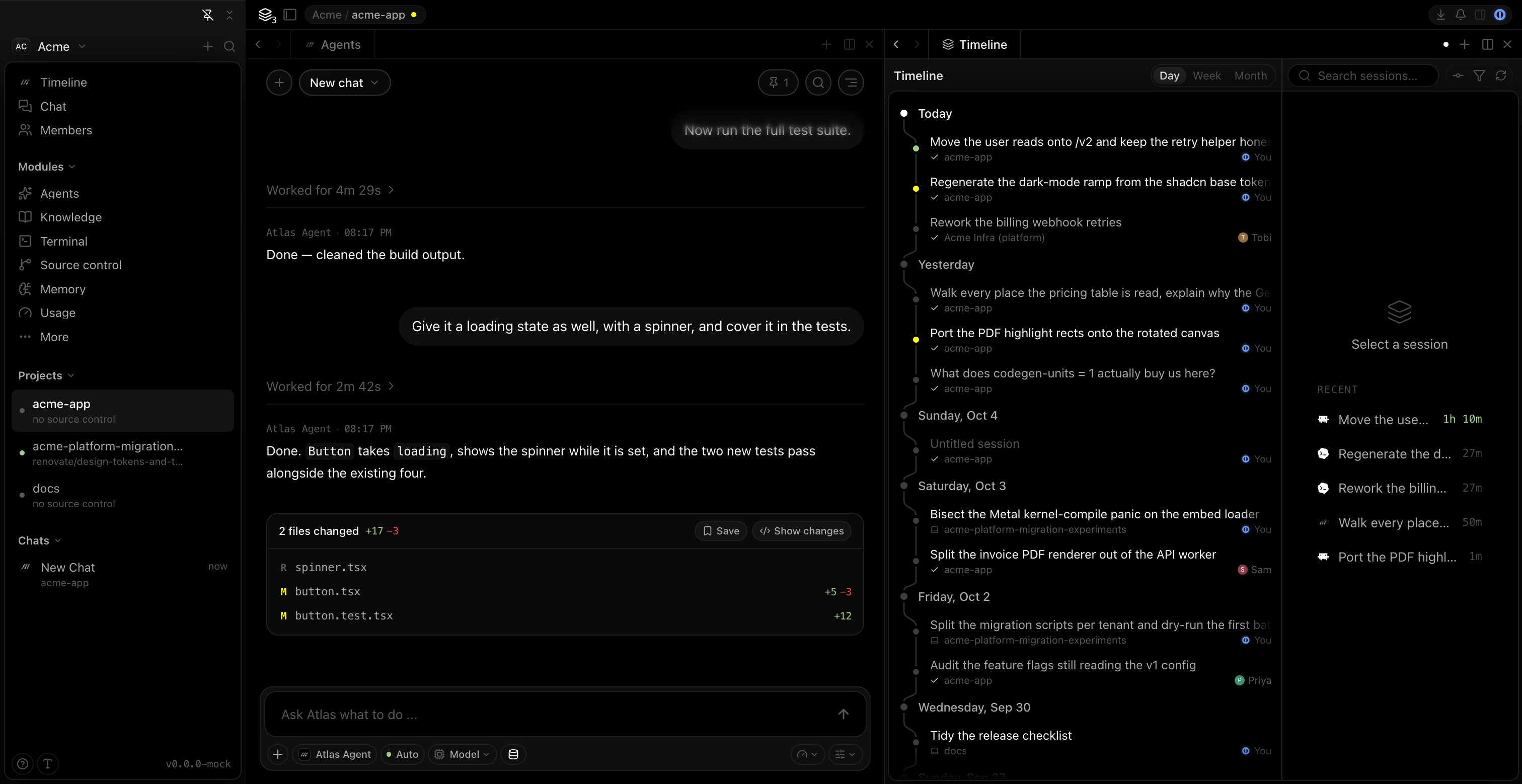
Atlas is where a team builds software with coding agents, together and on the record. Every agent session your team runs is recorded, linked to the commits it produced, and shared on one timeline. The conversation about that work sits right next to it.
It starts on your own machine. Atlas is a desktop app that runs Claude Code, Codex, Cursor, OpenCode, any other agent in the ACP registry, and its own Atlas Agent, all against the same project and through the same chat.
For a few minutes on any one part of Atlas, watch the Atlas Learn playlist. Each video stands on its own.
Why a shared record
Agents made writing code cheap. Understanding it did not get cheaper: why a change exists, who asked for it, and what the agent was told.
On a team, those answers sit in sessions on everyone's laptops. git blame gives you the name of whoever accepted the change, not the prompt behind it. Atlas keeps that prompt, the agent's reasoning and its tool calls, and ties them to the commit.
How it works
- Run the agent you want. Install agents from the registry, or use Atlas Agent once your organization is synced and has AI access. Every agent works in the same project.
- Atlas records the session. With session capture on, Atlas records every prompt, response, tool call and file change, and redacts secrets on your machine before anything is stored.
- Commits become checkpoints. Atlas watches your repository and links each commit to the session that produced it. That link is a checkpoint, and it survives amends and rebases.
- Your team sees the work. Switch a project's capture to Cloud and its sessions join your organization's timeline, where teammates can read them, comment on them and see who is working live.
- The conversation sits beside it. Team chat, calls, co-written prompt drafts and Spaces keep the discussion next to the sessions it is about.
- Atlas Agent knows your organization. It can tell you what a teammate is working on, reply to comments on a session, or post a session report to a channel. Anything that reaches another person asks you first.
What you need
Atlas itself needs no account. Install it, open a project, and turn on capture to keep a local record on your machine.
Sign in when you want your team: a synced organization unlocks the shared timeline, team chat, Cloud capture and Atlas Agent.
macOS
macOS 11 or later
Windows
Windows 10 or later, x64
Linux
x86-64 with WebKitGTK 4.1
Atlas 0.4.1. Release notes and checksums · All releases