
Agents
The agents the Atlas CLI hooks into, where it writes each one's hooks, and what each needs the first time.
The CLI doesn't run your agents. Each one keeps its own interface, sign-in and subscription. Atlas writes a hook into the agent's own config for the project, and the agent calls it as it works: when you send a prompt, after each tool call, and when it stops.
It also adds the atlas_memory tool server to the agent's config, so the agent can read and write shared memory.
Supported agents
| Agent | ID | Hook written to | Memory server written to |
|---|---|---|---|
| Claude Code | claude-code | .claude/settings.local.json | .mcp.json, approved in the same local settings |
| Codex | codex | .codex/hooks.json | .codex/config.toml |
| Cursor (CLI and editor) | cursor | .cursor/hooks.json | .cursor/mcp.json |
| GitHub Copilot CLI | copilot | .github/hooks/atlas.json | .github/mcp.json |
| OpenCode | opencode | .opencode/plugins/atlas.ts | opencode.json |
| Factory Droid | droid | .factory/settings.json | .factory/mcp.json |
| Antigravity | antigravity | .agents/hooks.json | .agents/mcp_config.json |
| Pi | pi | .pi/extensions/atlas/index.ts | .pi/mcp.json |
Atlas edits only its own entries in these files. Your settings, other hooks and other tool servers stay as they are.
Hooking any agent also installs the git post-commit hook that turns commits into checkpoints.
Hook an agent
atlas-cli init offers every agent it finds on this machine, all ticked.
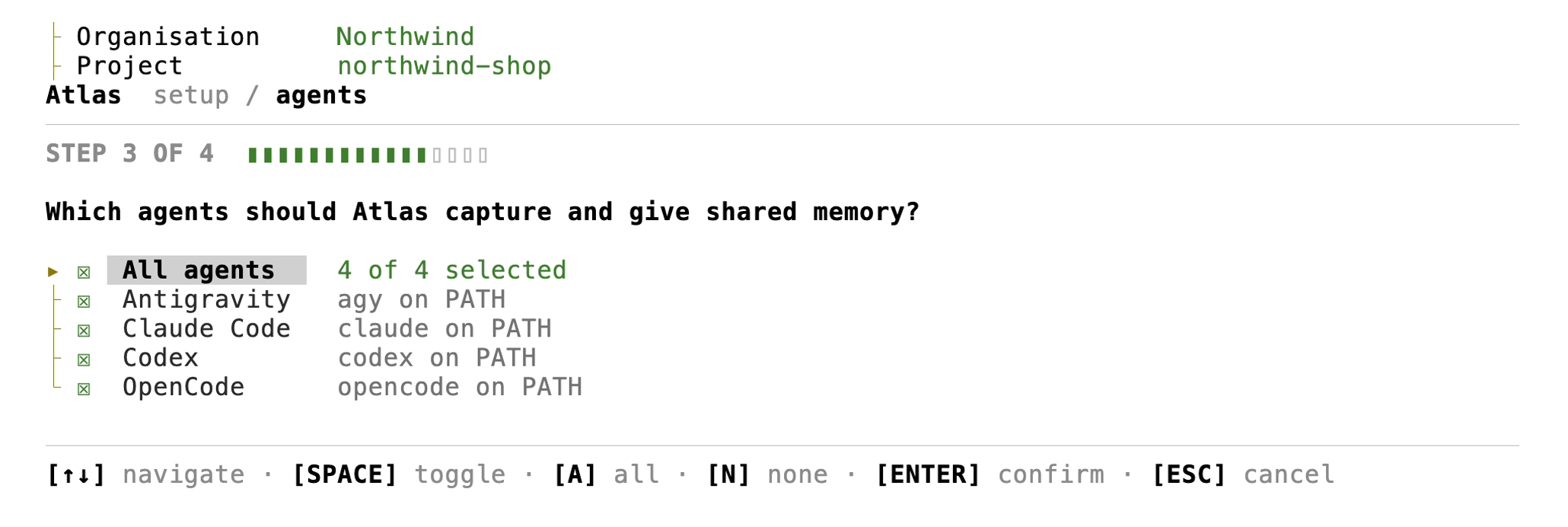
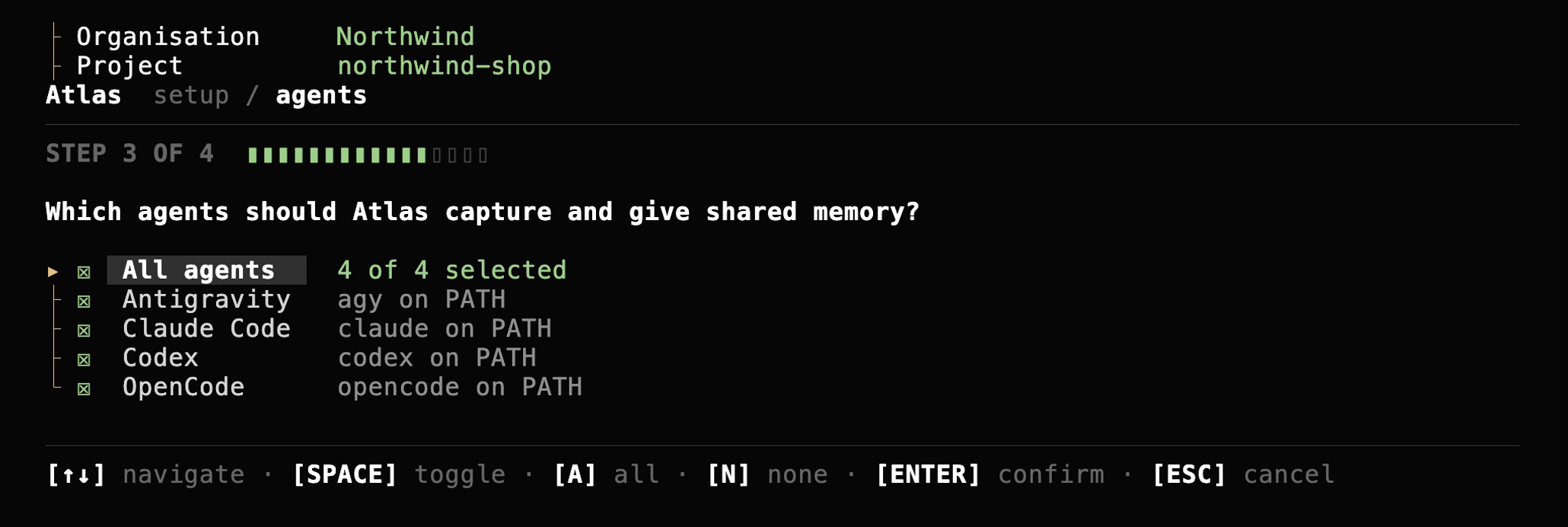
To hook one later, or one it didn't find:
atlas-cli agents add codex
atlas-cli agents add --all       # every agent found on this machine
atlas-cli agents list shows every supported agent, whether it's on your PATH, and the state of its hook and memory entry in this project: installed, outdated or off.
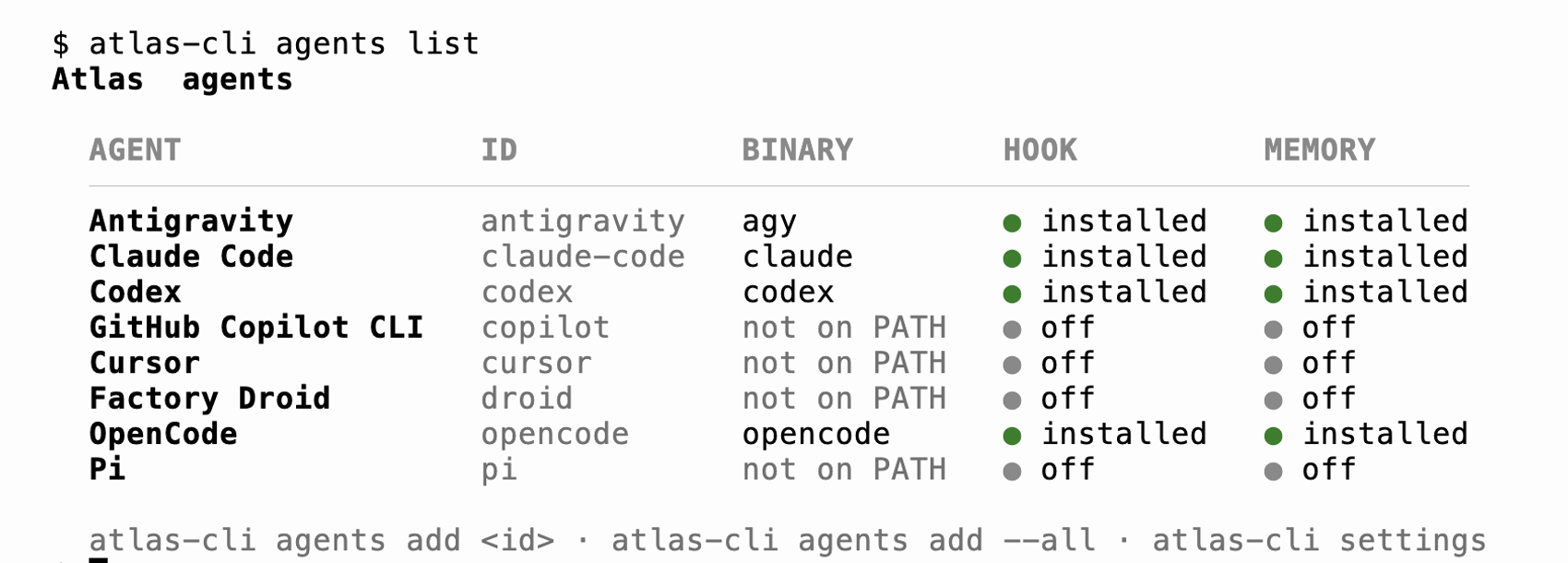
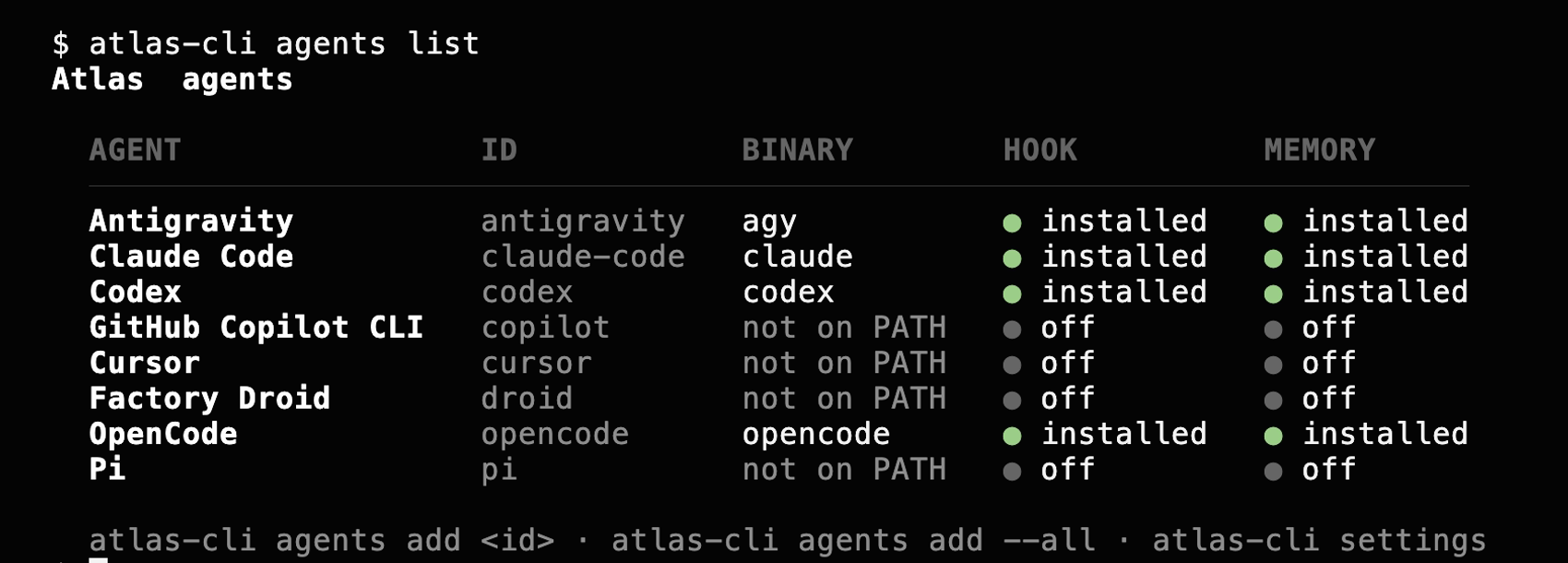
To take Atlas out of an agent's config, run atlas-cli agents remove <id>. --all removes it from every agent in the project. When no hooked agent is left, the git hook goes too.
atlas-cli settings has a switch per agent, if you'd rather do it all on one screen.
First run in each agent
Some agents ask before they load hooks or tool servers from a project. Answer once and Atlas works from then on.
| Agent | What to do once |
|---|---|
| Claude Code | Nothing. |
| Codex | Start codex in the project and choose Trust all and continue when it asks to review the new hooks. Until then, codex exec skips them without saying so. |
| Cursor | Approve the atlas_memory server the first time Cursor starts in the project, or pass --approve-mcps. |
| GitHub Copilot CLI | Start copilot in the project and trust the folder with This and future sessions. copilot -p never asks, so an untrusted folder runs without capture. |
| OpenCode | Nothing. The first time it loads the Atlas plugin, OpenCode installs the plugin's package into .opencode/. |
| Factory Droid | Nothing. |
| Antigravity | Nothing. |
| Pi | Trust the project in Pi, at its prompt or with --approve. |
What each agent records
Every hooked agent is recorded the same way: the prompt, each tool call with the files it changed, the reply with its model and token usage, and the commits it made. On the timeline, each session shows the agent that ran it.
A few agents differ in when their hooks fire:
- Cursor.
cursor-agent -pfires no prompt or reply hooks, so a one-shot run is recorded as a single turn when the session ends. - Claude Code. A
claudestarted from inside another Claude Code session keeps no transcript, so Atlas records only its prompt and file changes. Start it from a fresh terminal.
atlas-cli agents sessions lists the sessions the hooks have seen in this project, with the command that resumes each one in its agent.
Keep atlas-cli on your PATH
Agents run their hooks through your shell, so atlas-cli has to be on the PATH they see. Codex puts ~/.local/bin first and Cursor runs hooks through your login shell, so an old copy there wins over a newer one elsewhere. Install and update with the installer or atlas-cli update, which both use ~/.local/bin.
If a hook can't find atlas-cli, the agent carries on without capture. Claude Code, Codex and Factory Droid say so when the session starts.
Upgrading from atlas
Up to v0.4.0 the command was called atlas. Update with atlas update, and the first command you run afterward renames it to atlas-cli. Or run the installer, which installs atlas-cli and removes the old atlas from the same folder. Either way, run this in each project, so the agents' hooks call the new name:
atlas-cli agents add --allNext
- Atlas CLI: set up a project and see your sessions on the timeline
- Command reference: every command and flag
- Agents in the desktop app: run the same agents inside Atlas instead